
When pre-orders are triggered
You enter pre-order mode when:- Stock is 0: You see “Temporarily Out of Stock” immediately when visiting the purchase page
- Your quantity exceeds stock: After entering an amount larger than current stock
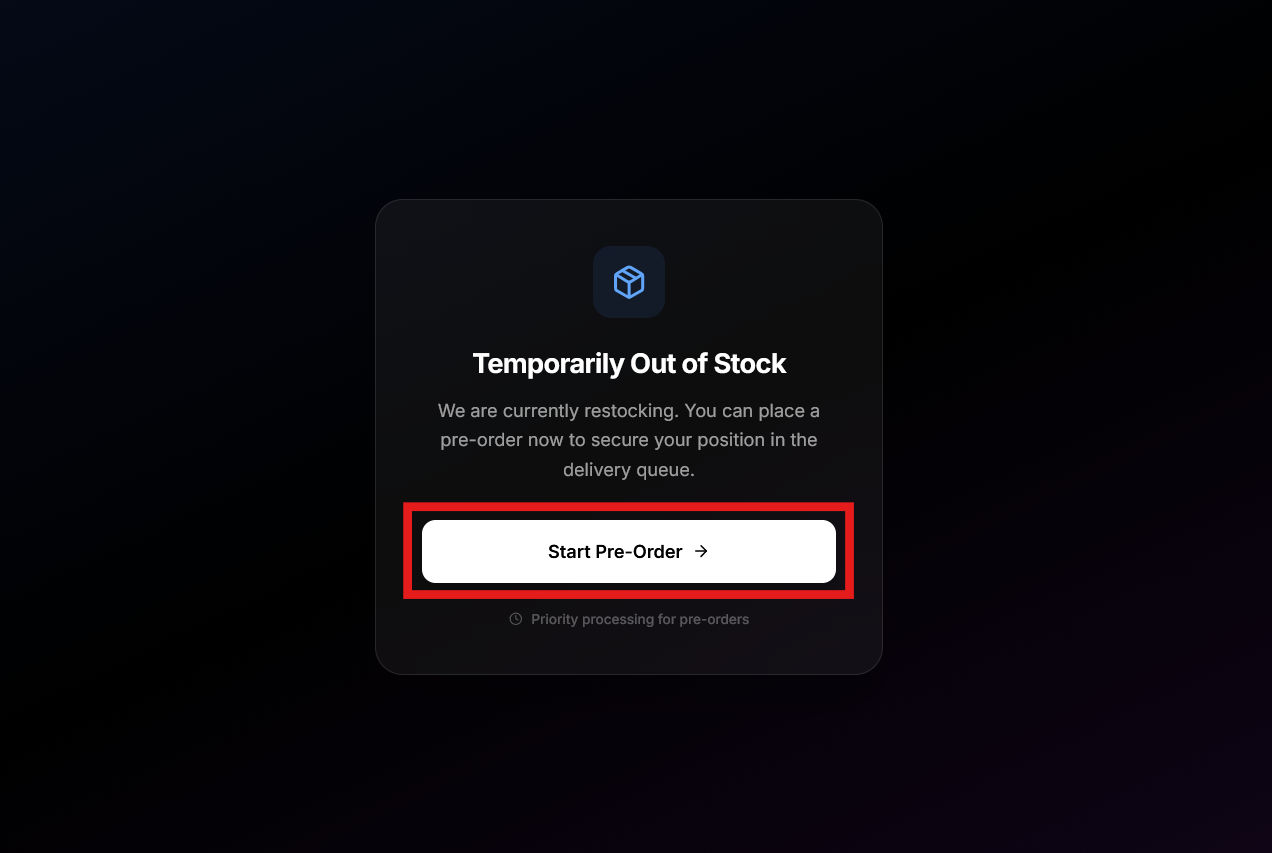
Pre-order mode
Once you click “Start Pre-Order,” the purchase page changes:- Purple theme instead of blue
- “PRE-ORDER MODE” badge displayed
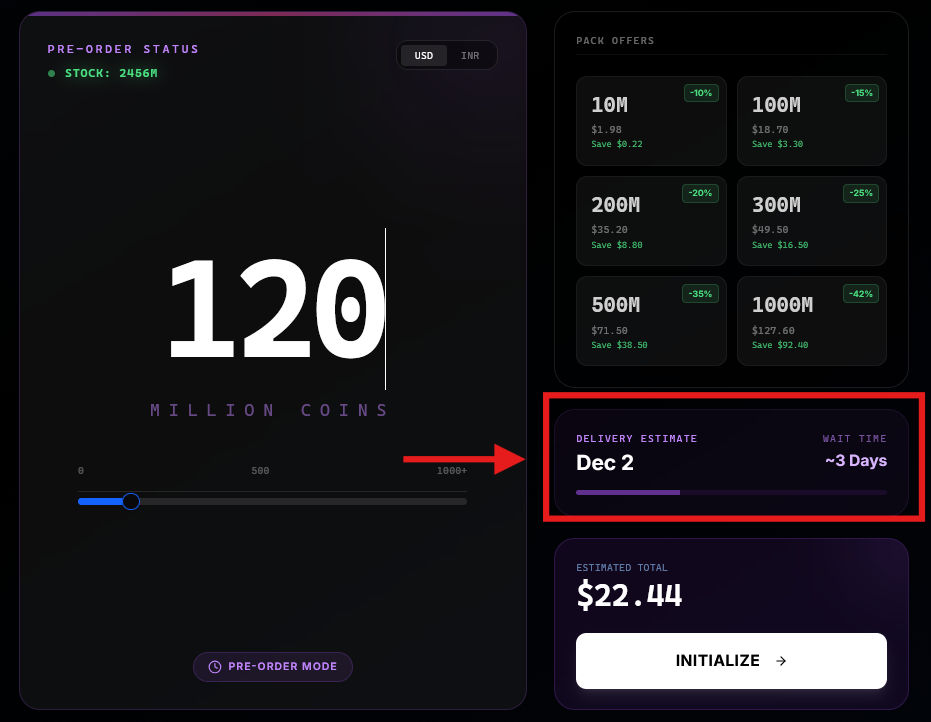
- A delivery estimate panel appears
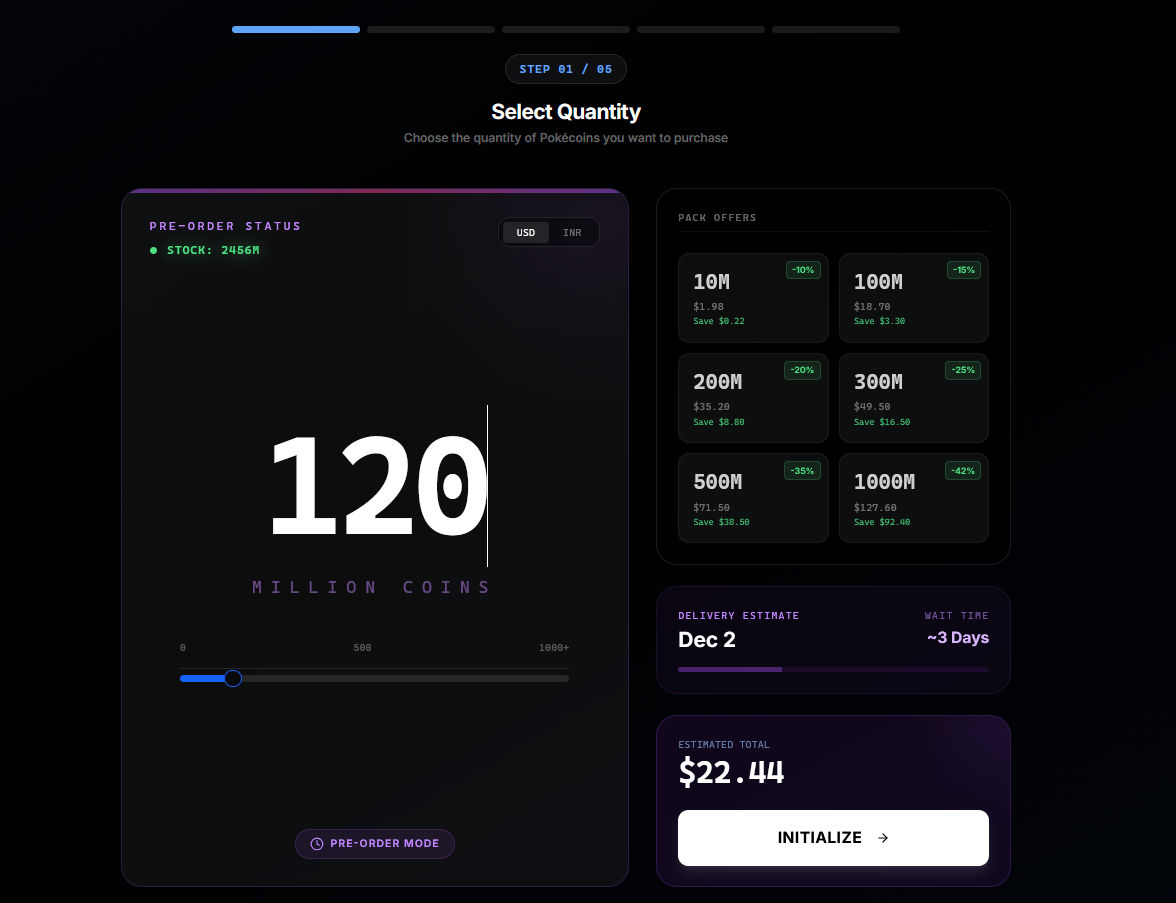
Delivery estimate
The delivery estimate panel shows:- Expected delivery date: When your order should be completed
- Wait time: Approximate number of days
After placing a pre-order
- Complete payment as normal
- Your order enters the queue
- Check your order in the Orders section
- Receive an email when delivery is complete
Pricing
Same pricing and pack discounts as instant orders.See How to order for the full ordering process.